In-Store Orders Faster with Nuflorist POS

Guide every order with occasions, card messages, delivery details, and add-ons.

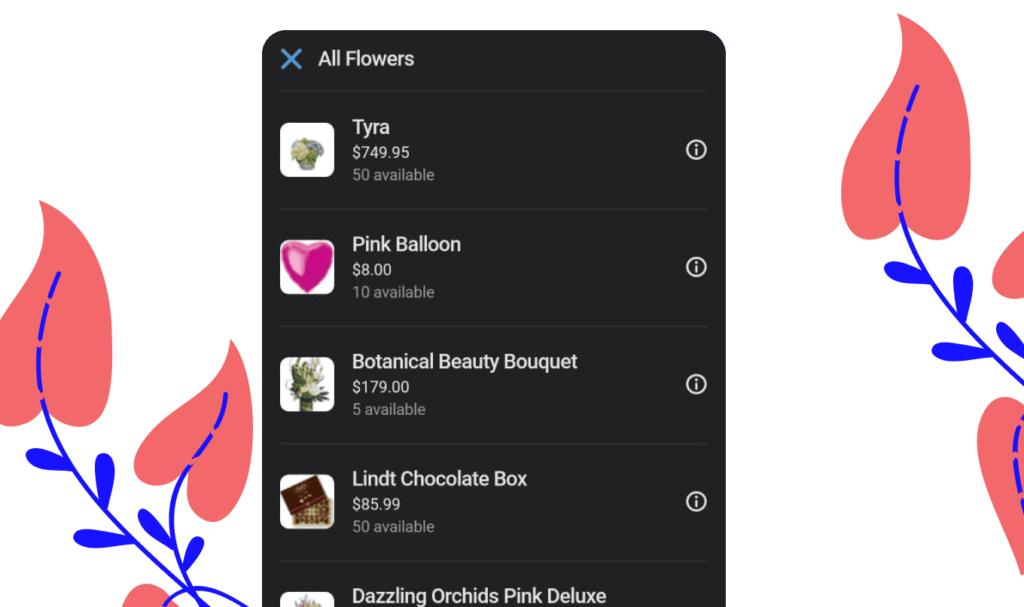
Browse your full catalogue

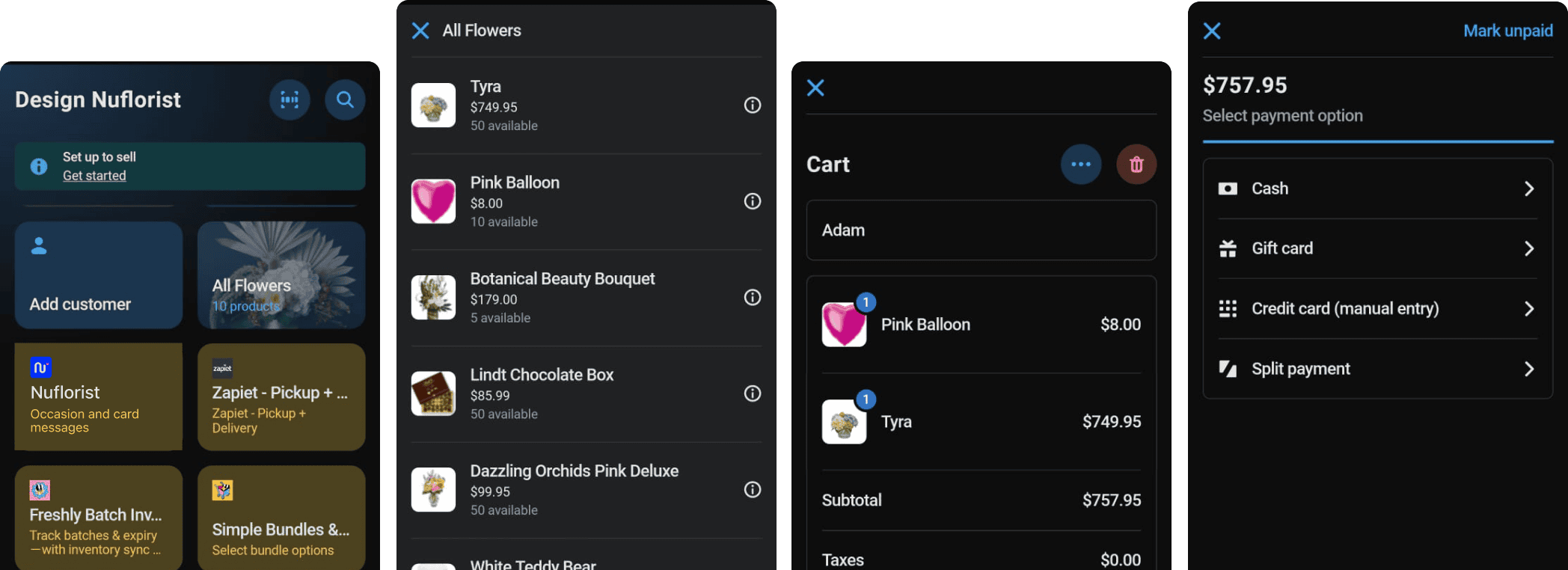
Your entire Shopify product range available to browse and add to cart with one tap. Categories, search, and photo thumbnails make finding the right product instant.

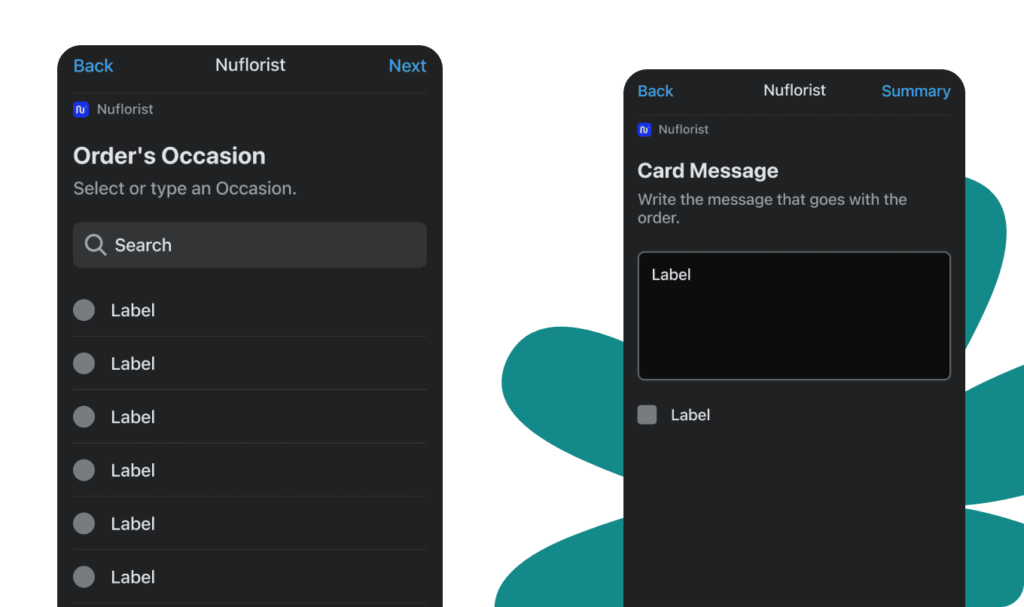
Pick the occasion & write the message

Once products are in the cart, staff select the occasion then type the gift card message. Quick-fill suggestions speed up common messages so the line keeps moving.


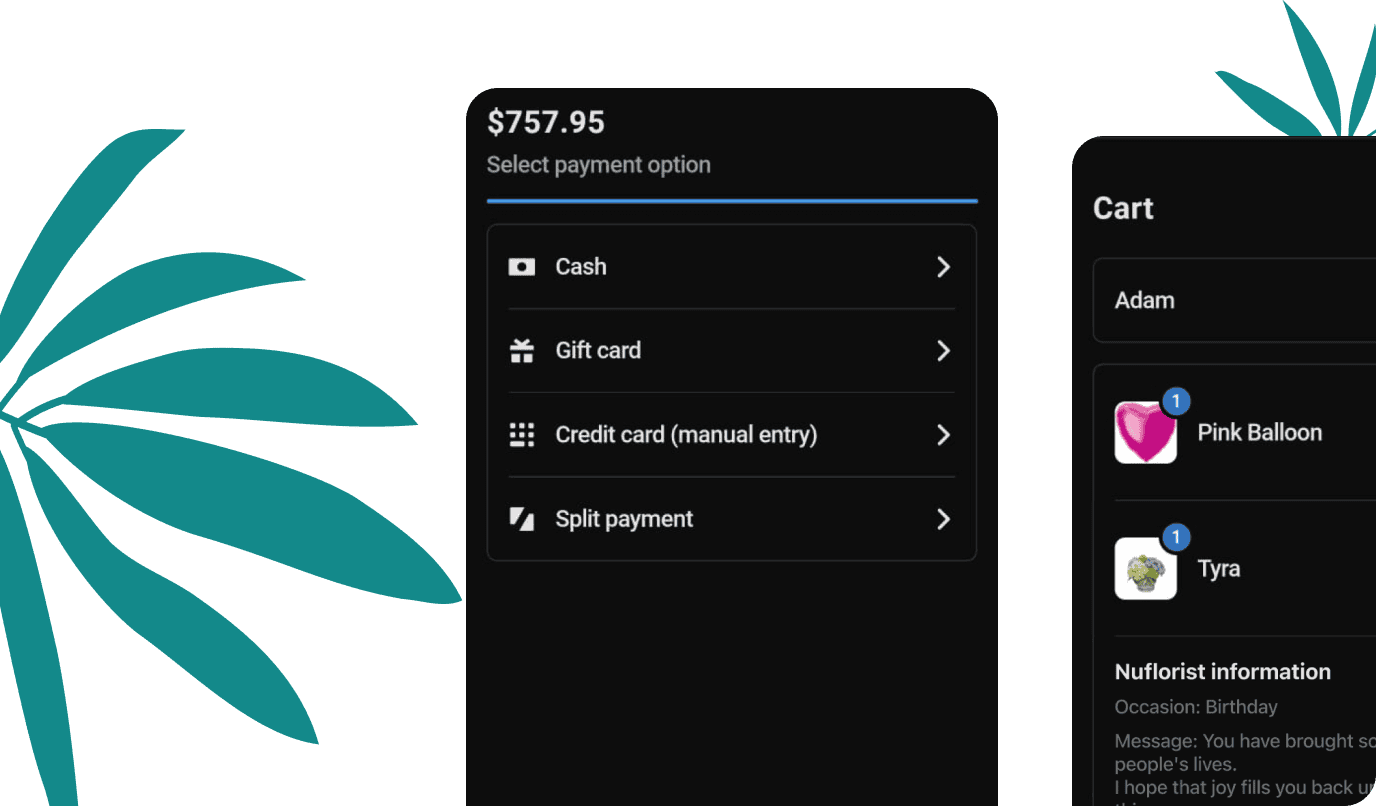
Review, pay, and it's done

A clean summary screen lets staff confirm occasion and message before checkout. The cart shows all items, totals, and payment options.

Features

Everything a flower shop POS needs

Occasion-first selling

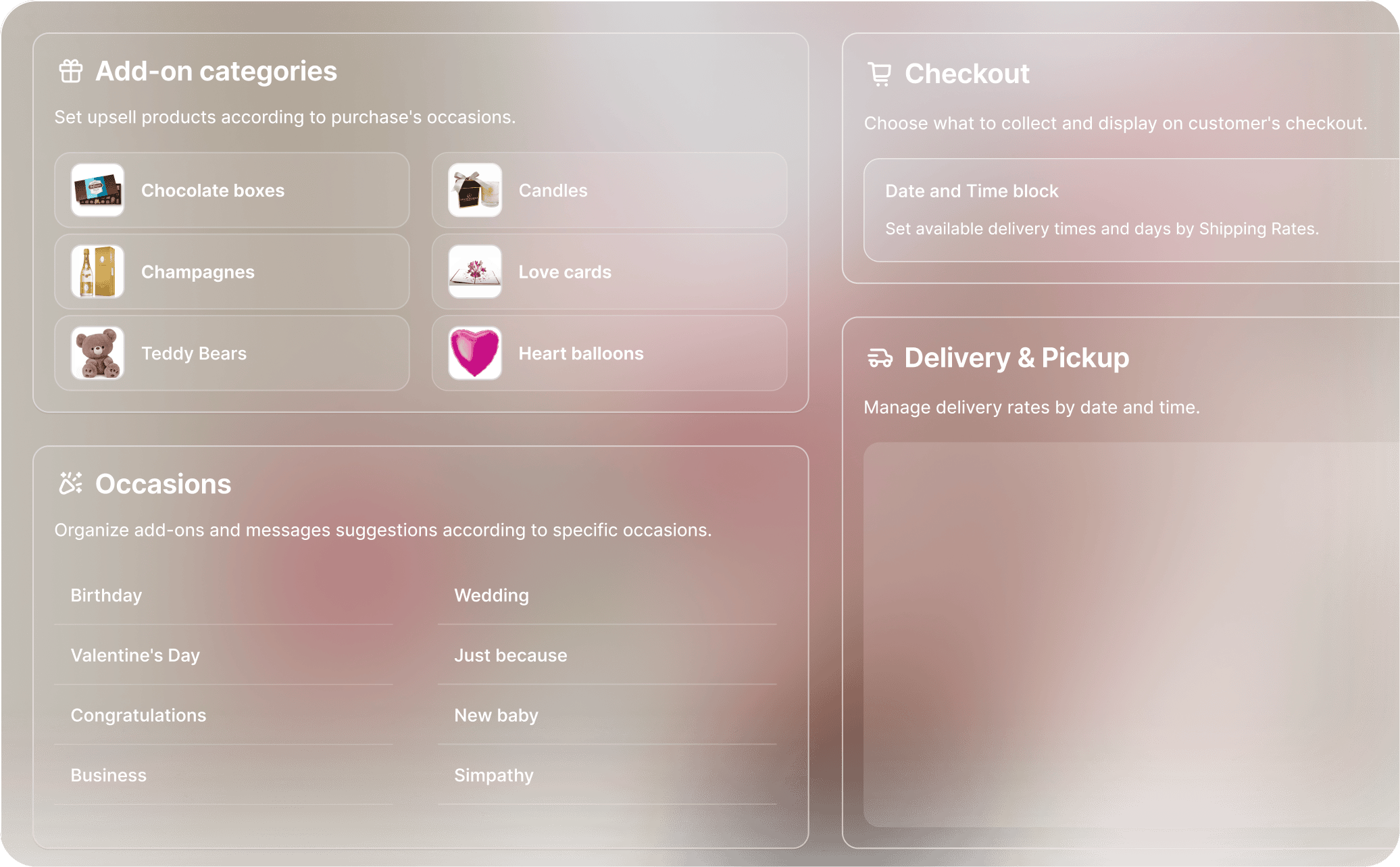
Every sale starts with the occasion. Staff select Birthday, Wedding, Sympathy, or a custom occasion and the whole experience adapts.

Card message at the counter

Staff capture the gift card message right in the POS. The message flows to the order and prints automatically.

Add-ons upsell built in

Chocolates, balloons, wine, teddy bears: upsell items are surfaced automatically based on occasion.

Customer profiles & history

Look up a returning customer, see their past orders and preferences, and greet them by name. Every sale gets saved.

Multiple payment methods

Works with your existing Shopify Payments setup. No extra hardware or terminals required for most payment types.

Syncs with your Shopify store

In-store orders sync instantly to Shopify — inventory, orders, and customer records are always up to date.

Your whole shop, in one app