Florist Card-Message Printing for Shopify
Every plan prints from the built-in card template on the NuFlorist Orders page. The Order Printer Pro integration is on Pro.
Works with Order Printer Pro, a third-party Shopify app. NuFlorist is not affiliated with or endorsed by its developer.
Occasion on Every Card
Batch Printing from the Orders Page
Print polished card messages without adding another app
Every plan prints from the built-in card template on the NuFlorist Orders page. The Order Printer Pro integration is on Pro.

From checkout to printed card
Customer Places Order
They select an occasion and write their card message in the NuFlorist fields on your product or cart page.
Saved on the Shopify order
NuFlorist saves the occasion and card message as line-item properties, and recipient and delivery details as order attributes, on the Shopify order.
Choose where to print
Every plan prints from the NuFlorist Orders page with the built-in card template (editable HTML). On Pro, paste the NuFlorist template into Order Printer Pro and customize it there.
Print and tuck it in
Print the card for one order or every card on the page, then tuck it into the bouquet.
One template, easy to edit
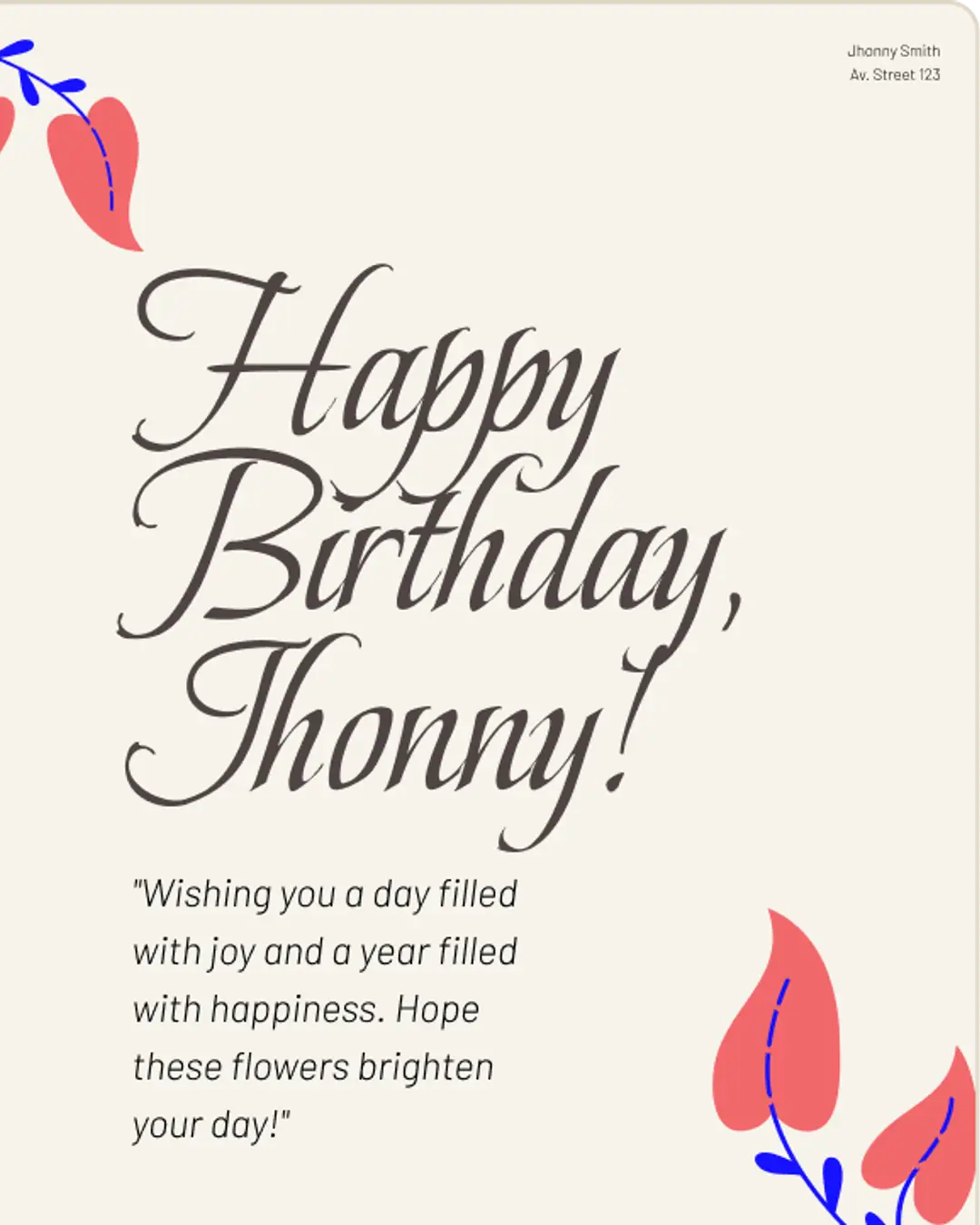
The built-in card template prints the occasion, card message, recipient name, and order number. Edit its HTML to match your shop’s look. The layouts below are examples of what you can build with it; they are not separate templates.


What the printing workflow does
Card Messages Auto-Fill
The message your customer typed at checkout is saved on the order and printed exactly as written.
Editable Template
Edit the template HTML to use your own fonts, colors, and wording.
Occasion on Every Card
The occasion prints as a label on each card. Layouts do not change by occasion unless you edit the template.
Delivery Details on the Order
Recipient, delivery date, time, and instructions are stored on the Shopify order as attributes. On Pro, an Order Printer Pro template can print them when it references those attributes.
Batch Printing from the Orders Page
From the NuFlorist Orders page, print every card message on screen in one click, or print one order at a time.
Add Your Own Care Notes
Add care instructions to the template text if you want them printed with every card.
Try NuFlorist free
Built-in card printing is on every plan. Start a 14-day free trial of NuFlorist Pro to use the Order Printer Pro integration.