New
U.S. ZIPs & international postal codes
Build delivery zones from U.S. ZIPs and postal codes across Canada, Mexico, Europe, and South America.
See how it works: U.S. ZIPs & international postal codes
Card messages, delivery zones and florist fields inside Shopify POS: the flower-shop workflows general retail software leaves out.
Build delivery zones from U.S. ZIPs and postal codes across Canada, Mexico, Europe, and South America.
See how it works: U.S. ZIPs & international postal codesA storefront bar lets shoppers check whether you deliver to them before they choose an arrangement.
See how it works: Zip code checkerKeep the cart-widget checkout button hidden until the delivery address verifies against an eligible zone.
See how it works: Delivery address verificationOffer free delivery to chosen postal codes, or on every order over an amount you set.
See how it works: Free delivery rulesGive each delivery zone its own rush fee, rush cutoff, and delivery time windows.
See how it works: Rush delivery by zoneSee orders scheduled for today and open directions for each delivery address.
See how it works: Today’s deliveries with one-tap directionsStop offering a date after the shop’s same-day or future-order cutoff has passed.
See how it works: Delivery & pickup cutoff timesBlock specific dates, relative days, or date ranges for selected product collections.
See how it works: Blocked delivery dates by collectionSell a holiday collection now for delivery or pickup inside a future window you choose.
See how it works: Seasonal pre-ordersWhen a selected date is blocked for a collection, show shoppers products that remain available.
See how it works: Suggested alternativesCollect the recipient, sender phone, florist notes, and door instructions in the cart, then pre-fill checkout.
See how it works: Recipient & sender details in the cartAsk shoppers to confirm they are 21 or older before delivery checkout when the cart has alcohol.
See how it works: Age check for wine & spiritsGenerate occasion ideas and starter card messages for the merchant to review and add to the shop's list.
See how it works: Generate with AIWhen one order carries several arrangements, every card message lands in the Shopify order note, numbered.
See how it works: Every card message in the order noteChoose a printable card-message style without requiring another app for the basic workflow.
See how it works: Card-message templatesOffer a paid “Make it a handwritten card” option right under the card message.
See how it works: Handwritten card upgradeCapture why the order is being sent on the product page, before the shopper reaches checkout.
See how it works: Occasion picker on every productGroup extras into categories so shoppers see the add-ons that suit the order instead of the whole catalogue.
See how it works: Add-on categoriesDrag the day's delivery orders onto a driver to build each run, then print one manifest or all of them.
See how it works: Drag-and-drop route builderReorder a driver's stops into the shortest drive from your shop and see the whole run on a map.
See how it works: Optimized routes on a mapSend each driver a sign-in link to their route on their phone. No passwords and nothing to install.
See how it works: Driver app with sign-in linksDrivers mark each stop delivered with a photo, or record why it couldn't be delivered.
See how it works: Proof-of-delivery photosEvery stop outcome shows on the route board and is saved to the Shopify order.
See how it works: Delivery status back on the Shopify orderSwitch the orders list to cards that show the schedule, recipient, and card message at a glance.
See how it works: Every order as a card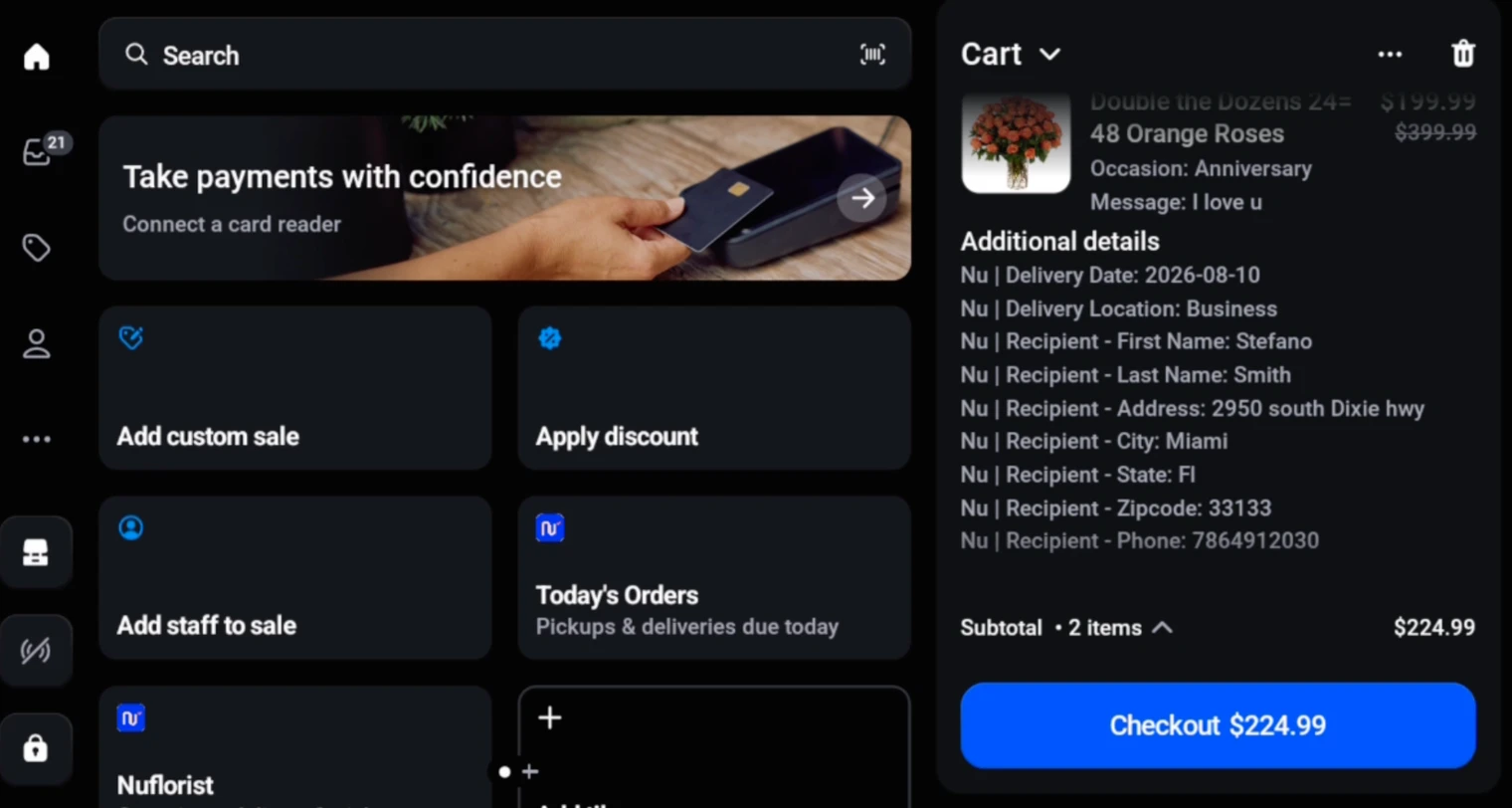
Postal-code zones, cutoff times, blocked dates, suggested alternatives, and a clearer view of today’s deliveries.
Explore delivery & pickup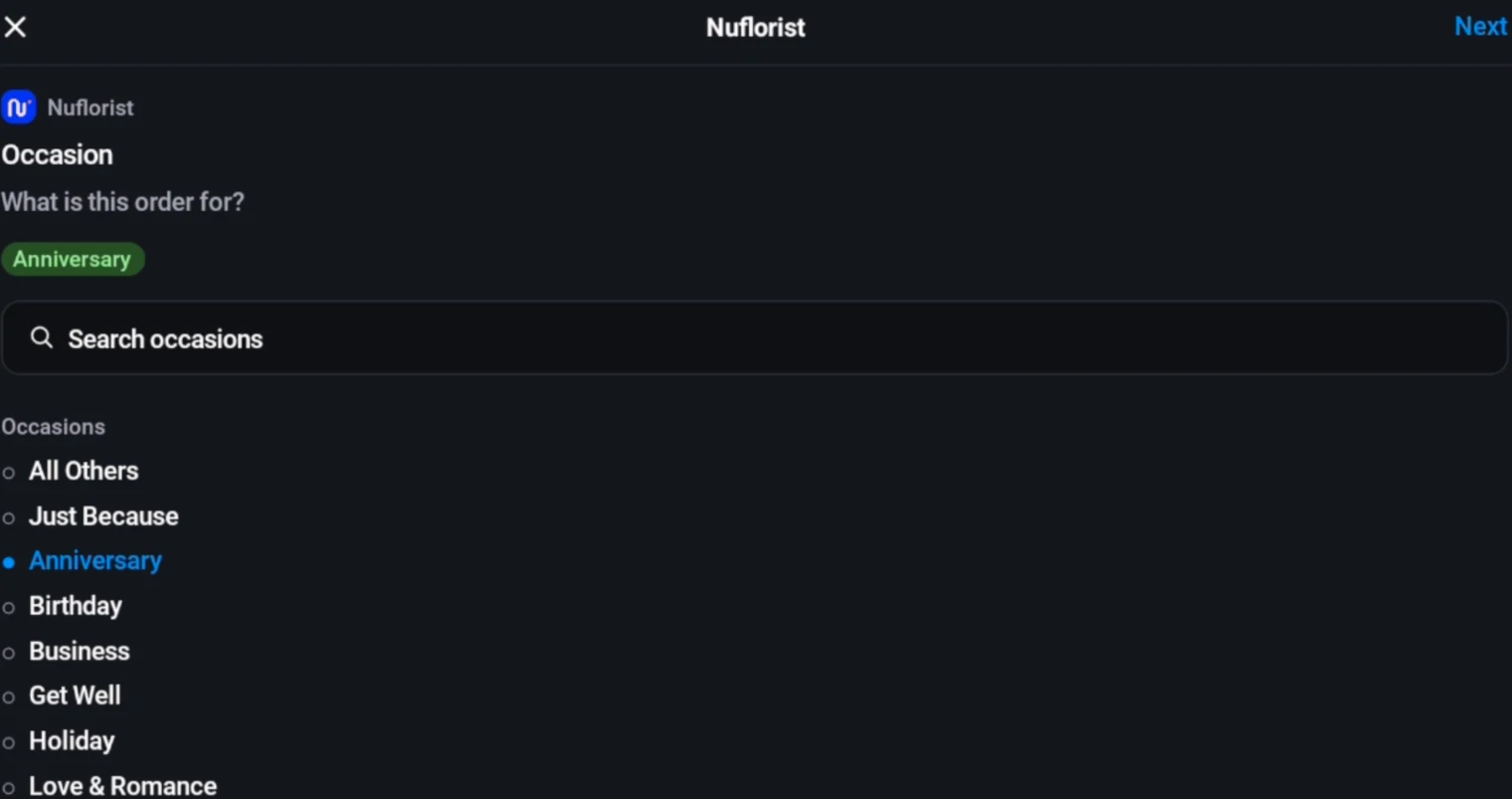
Occasions, AI-assisted card-message ideas, add-ons, and printable card-message templates.
Explore occasions & card messagesDrag-and-drop routes, optimized drives on a map, a phone-ready driver app, and proof-of-delivery photos.
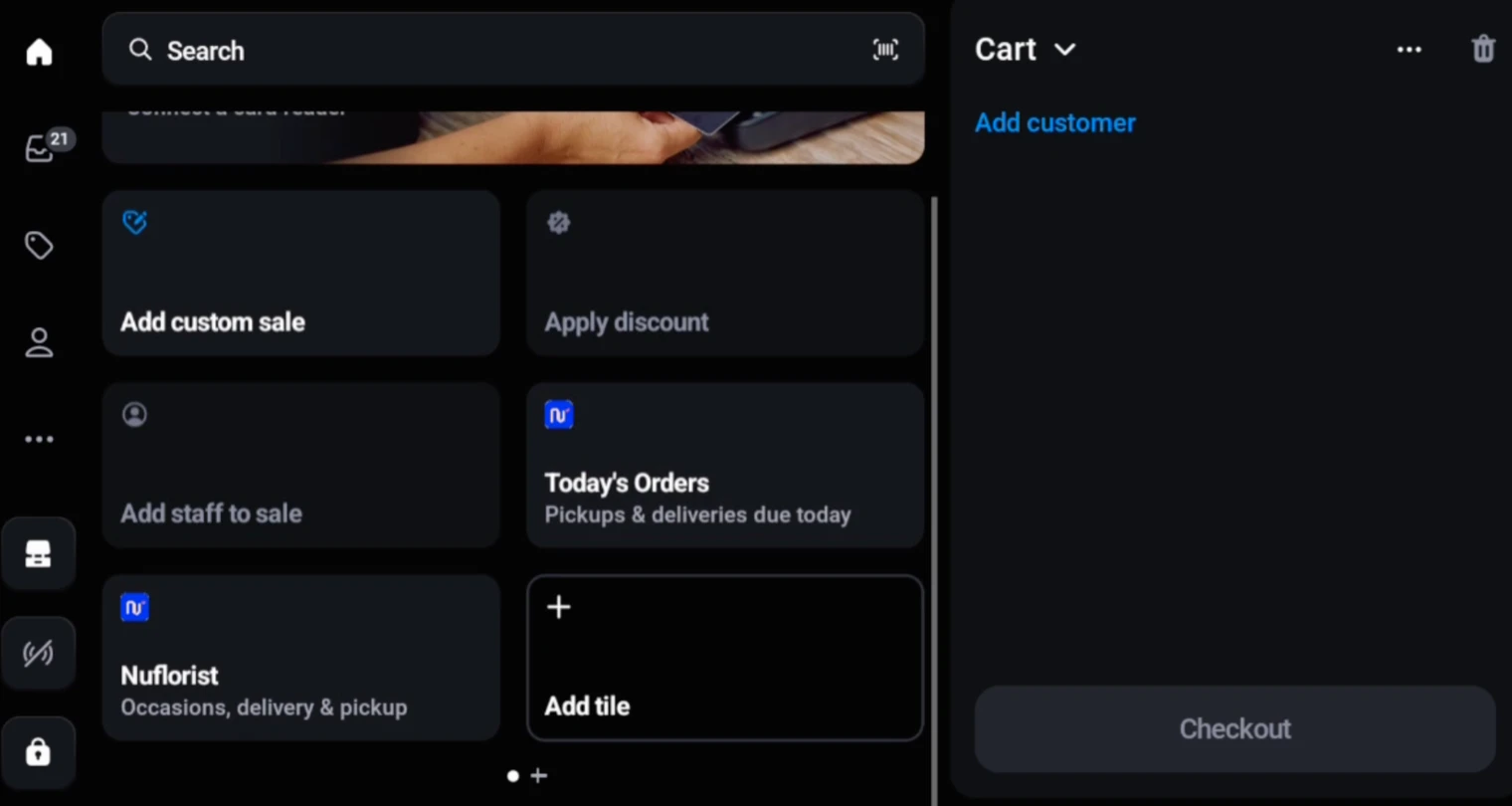
Explore delivery routes & driversStaff start with the products already in the Shopify POS cart, then use NuFlorist to add the occasion, card message, recipient, delivery or pickup details, date, time, instructions, and an optional delivery fee. Shopify POS remains responsible for products, customers, payments, receipts, and final order creation.
The rollout builds on the storefront, fulfillment, counter, printing, and integration tools already in NuFlorist.
Country-specific validation and labels for Australian stores.
Recurring flower deliveries for customers who order every week or month.