Florist SEO: How to Get Found on Google
Ask florists how new customers find them and the usual answers are word of mouth, wire services and paid ads. Their own website showing up in a search comes up far less often. Many shop websites are set up once and rarely updated, so the pages never say clearly what the shop sells or where it delivers.
That is a fixable problem. Local search rewards accurate, complete and current information, and keeping that information current is work any shop can do. No checklist guarantees a ranking, but the basics below are the ones Google itself describes.
How local search decides what to show
Most valuable florist searches are local: "flower delivery [city]," "florist near [neighborhood]," "wedding florist [city]." Google's own guidance on local ranking says local results are mainly based on relevance, distance and prominence. Relevance is how well your profile matches the search, distance is how far you are from the searcher, and prominence reflects how well known the business is, including reviews and links from other websites.
This changes where your effort should go. You cannot move your shop closer to every customer, but you can make your information complete and accurate, keep reviews coming in, and make it obvious which neighborhoods and cities you deliver to.
Start with Google Business Profile, not the website
If you only fix one thing this month, fix this. Your Google Business Profile is the listing that appears in Google Maps and in the local results with a map that often show above the regular results. Google states that businesses with complete and accurate information are more likely to show up in local search results.
Check every one of these:
- Primary category describes your core business. For most shops that is "Florist." Choose the category that matches what you actually do, since categories help Google match your profile to relevant searches.
- Service area reflects where you deliver. If you deliver to five surrounding towns, list them so the profile matches the area you actually serve.
- Hours are accurate, including special hours around Valentine's Day and Mother's Day, when a customer who finds the wrong hours may simply order elsewhere.
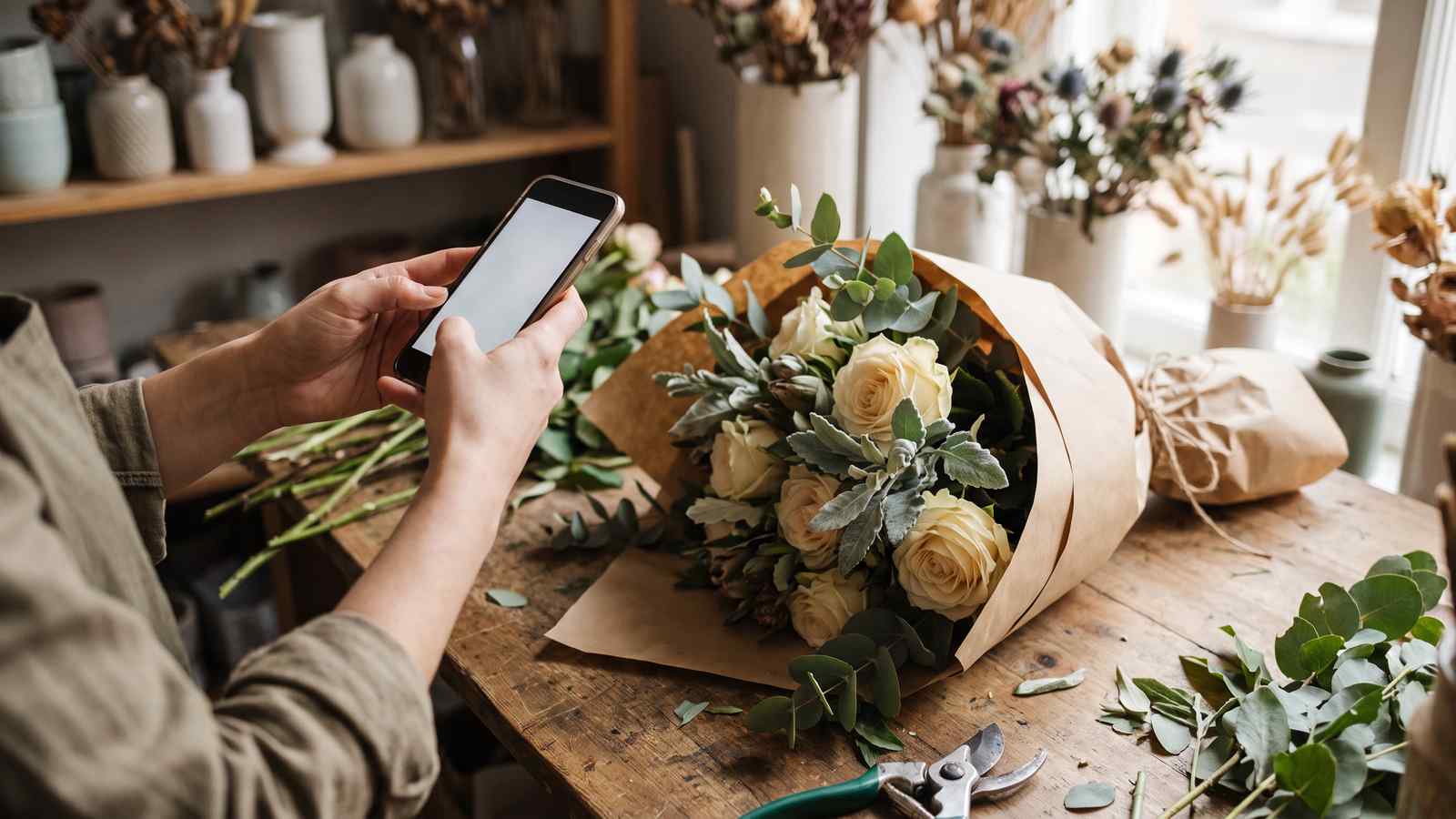
- Photos are recent and real. Photos of actual arrangements show customers what you make. Photograph finished bouquets before they leave the workbench; the same shot can serve your profile, your website and social media.
- Updates are not empty. Google lets you publish short posts on the profile, such as seasonal offers or delivery cutoffs, so customers see current information.
Treat the profile like a second, smaller website that needs occasional maintenance rather than a form you filled in once.
Reviews help customers and your local visibility
Google's guidance says more reviews and positive ratings can help a business's local ranking, and that replying to reviews shows you value feedback. Reviews also help the next customer decide whether to order.
The mechanics of asking matter as much as the ask itself:
- Ask soon after delivery or pickup, while the experience is fresh. Remember that the recipient, not the buyer, is often the person who actually saw the flowers.
- Make it one tap. A direct link to your review form, sent by text or email, is easier to act on than a general request with no link.
- Respond to reviews, good and bad. A calm, specific reply to a negative review shows future customers how you handle problems.
Never offer discounts or gifts in exchange for reviews, and do not write reviews for your own business. Keep the request simple and honest.
On-site basics that get skipped
Once the profile is solid, the website needs to say clearly what the shop does and where it delivers. Template sites often look good in a screenshot but leave these questions unanswered.
| Element | What it should do | Common mistake |
|---|---|---|
| Homepage title tag | Name the business and city or region | Generic "Home" or the shop name alone with no location |
| Delivery area page | List specific towns and neighborhoods, not just "we deliver locally" | No delivery-area content exists anywhere on the site |
| Occasion pages | A dedicated page or section per major occasion (sympathy, wedding, birthday) | One flat product catalog with no occasion structure |
| Page speed | Loads quickly on mobile, since many shoppers search on a phone | Unoptimized full-resolution photos slow every page |
| Alt text on images | Describes the actual arrangement | Left blank or auto-filled with a filename |
Product pages and mobile shopping checks are covered in more detail in our flower shop website guide.
Write content that answers a real question
Blog content helps when it answers something a customer is actually asking, not when it exists only to have a blog. A useful pattern is specific and local: pair an occasion or season with practical, honest detail.
Strong examples for most shops: "How much notice do you need for a wedding order in [city]," "What to send for a same-day sympathy delivery," "When to order Mother's Day flowers so they arrive on time." Weak examples: generic "10 beautiful bouquet ideas" posts that could belong to any shop in any city, with no local detail and no reason for a reader to choose yours.
If you are setting up a shop for the first time, get the operational basics right before layering SEO on top. Consistent hours, pricing and delivery policies give every page something accurate to say.
Keep directory listings consistent
A citation is any place your business name, address and phone number appear online, even without a link: Yelp, wedding directories if you do wedding work, your local chamber of commerce, and venue "preferred vendor" pages. An old address or a disconnected phone number on one of them sends customers to the wrong place and contradicts your profile.
Once a quarter, search your own business name and check:
- Does every major directory show the same address, phone number and hours as your website?
- Are you listed on wedding-specific directories if wedding work is part of your business?
- Does your chamber of commerce listing link to your actual website, not a dead page?
Order accuracy shows up in your reviews
What happens after a customer clicks "buy" shapes the reviews they leave. An order that arrives on the wrong day, or a card message that never makes it onto the enclosure card, is exactly the kind of experience people write about. Before each busy holiday, place a test order and follow it from checkout to the printed card and the delivery schedule.
If you sell on Shopify, check how your store captures delivery dates, occasions and card messages. In NuFlorist inside Shopify POS, for example, the card-message entry screen includes a remaining-character counter and a no-card option. Test the full path from order entry to printing on your own store before relying on any setup.
A monthly SEO habit, not a project
Florist SEO often stalls because it gets treated as a one-time project, such as a redesign, a consultant's report or a burst of effort before Valentine's Day, rather than a small monthly habit. A realistic monthly routine:
- Add or refresh a few photos on your Google Business Profile.
- Post one update (seasonal offer, delivery cutoff, new occasion).
- Ask recent customers for reviews soon after delivery.
- Respond to new reviews within a few days.
- Check that hours and delivery areas are still accurate, especially before a holiday.
- Publish or update one piece of content answering a real, local, seasonal question.
None of this requires new software or an agency. It requires doing the unglamorous, repeatable things consistently.
The short version
Florist SEO is not a mystery. It rewards a Google Business Profile that is complete and kept current, reviews that keep arriving, a website that names the neighborhoods you actually deliver to, and content that answers a real local question. No one can promise a ranking, but these are the parts of local search a shop controls.